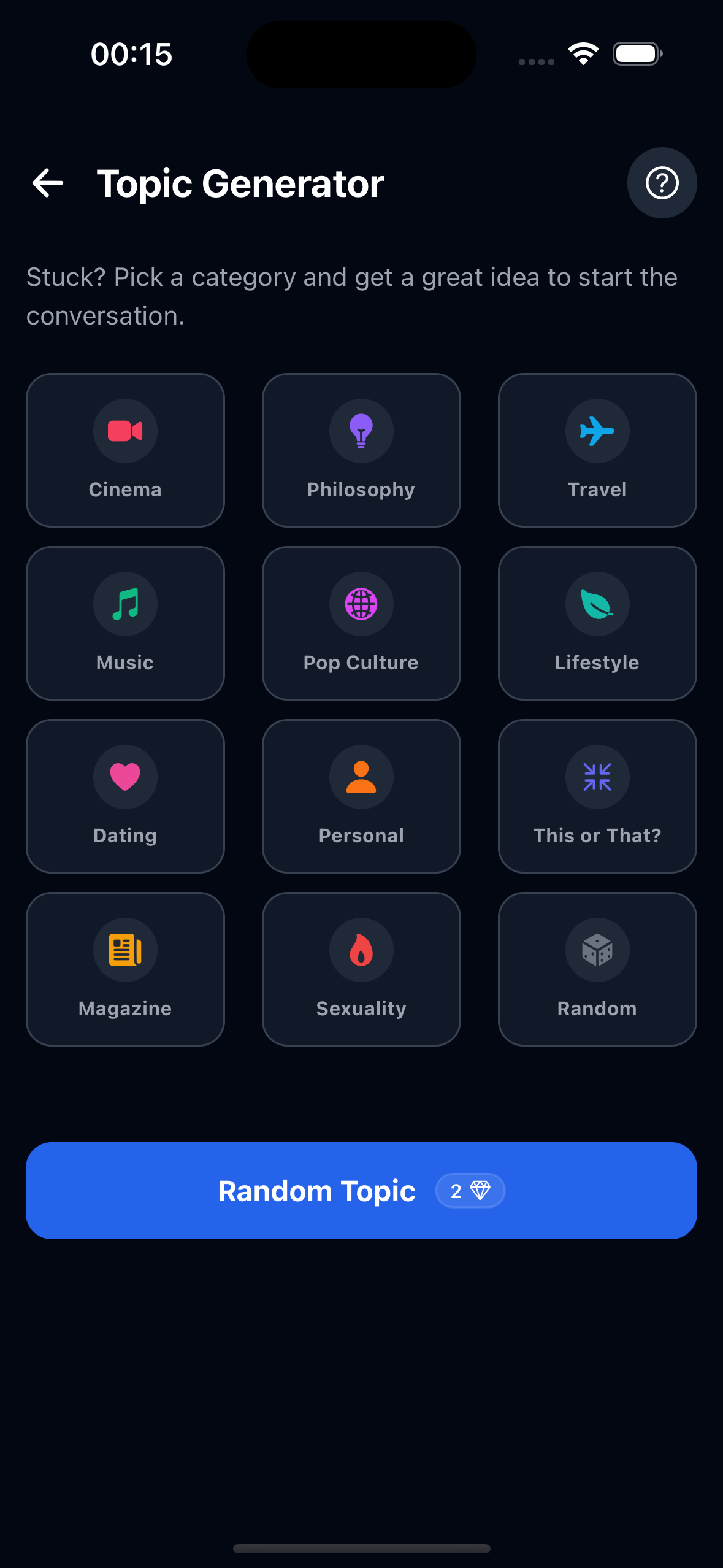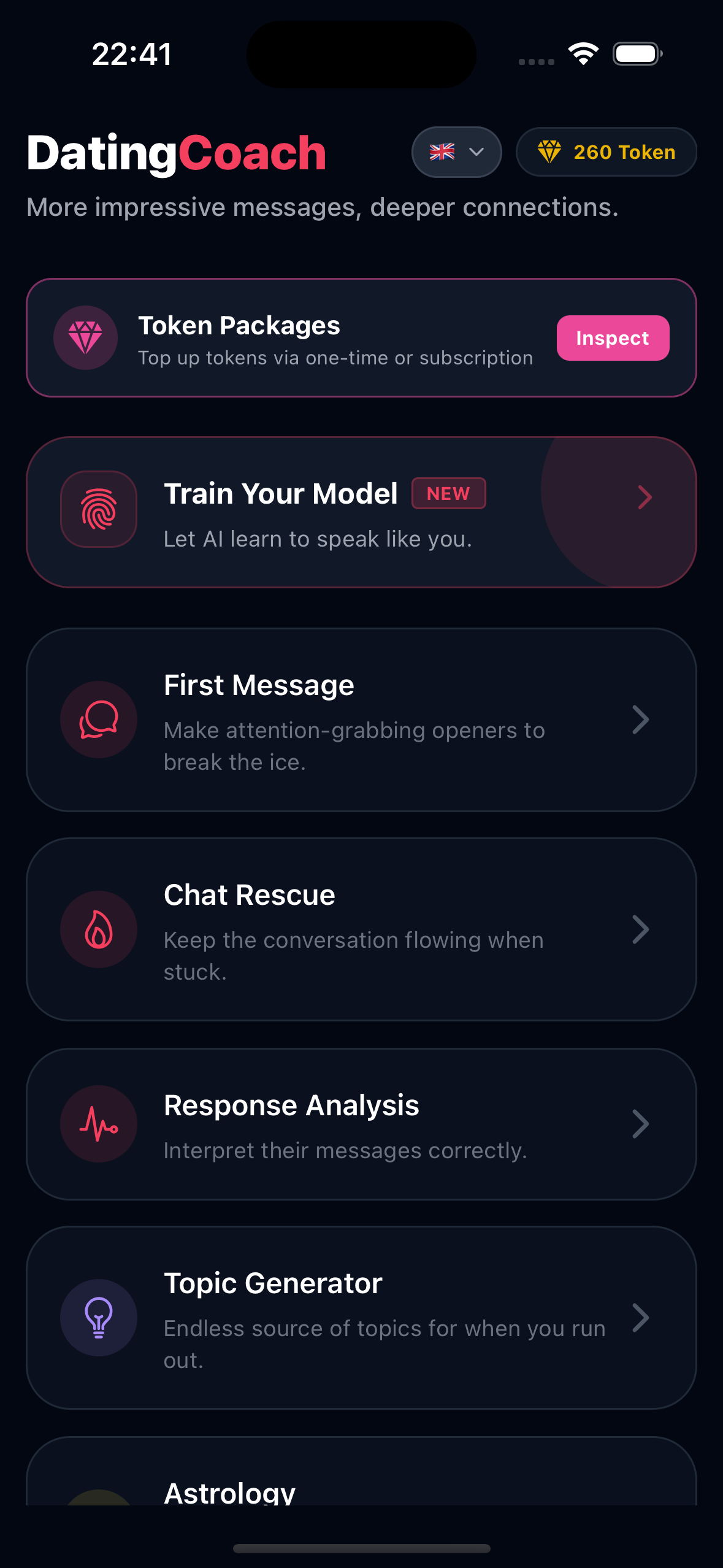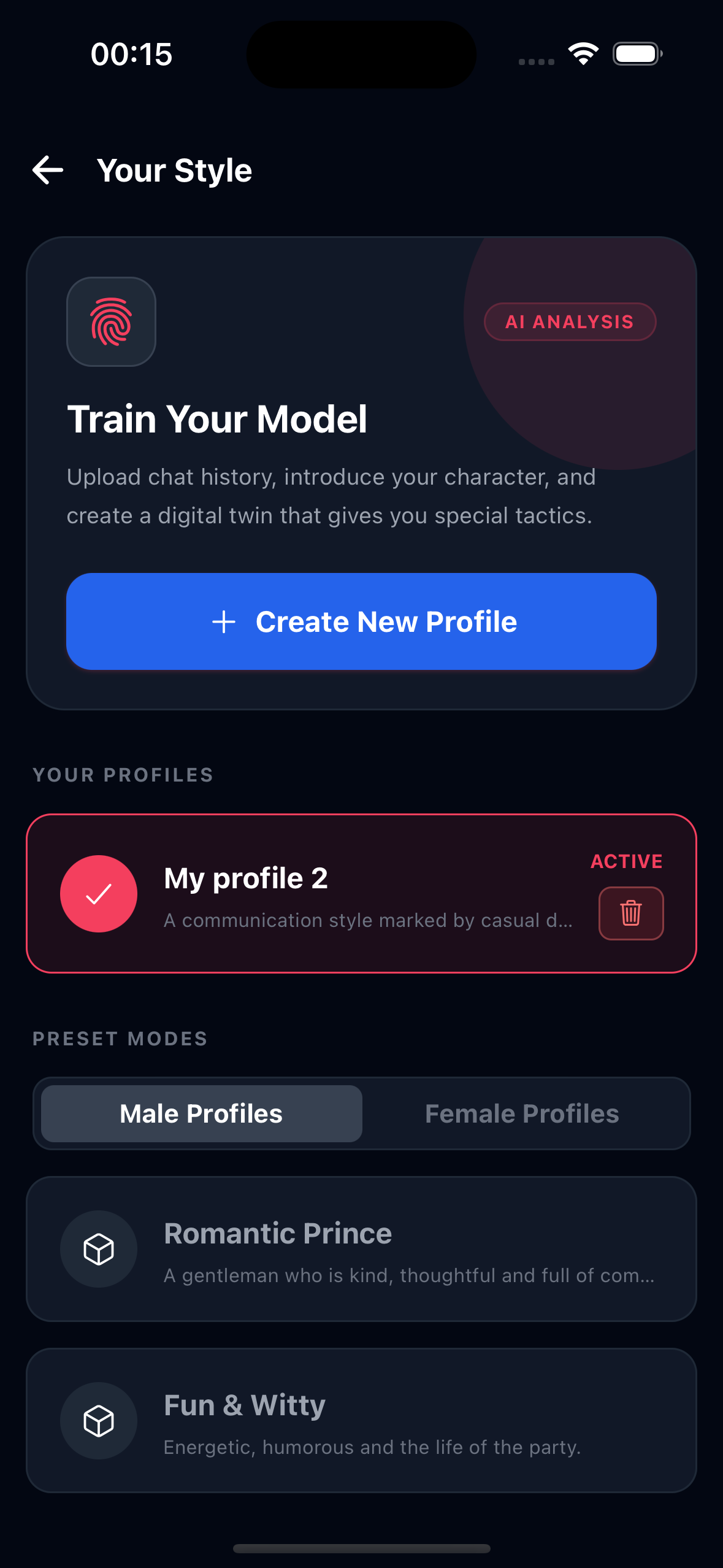
Dating app texting is full of high-pressure micro-decisions. Do you tease or ask a real question? Do you reply to "lol" or let it breathe? Do you ask for a date now or build more comfort? Do you send the flirty line or will it sound too intense? AI is useful because it can slow that moment down and show you several possible paths before you choose one.
The danger is using AI like a mask. If every message sounds smoother, funnier, and more confident than you actually are, the conversation will eventually feel fake. The best AI dating coach workflow is simple: provide context, generate options, remove anything that sounds unnatural, and send the version you could comfortably say in real life.
If your problem is a specific texting situation, keep these nearby: how to respond to one-word replies, how to flirt over text without being cringe, and how to ask someone out on a dating app. This guide explains how to use AI across all of those moments.
If your immediate problem is writing the first Bumble line, use best Bumble openers that don't sound generic.
If the Bumble profile itself needs work first, use Bumble profile tips for more matches.
If your first decision is which dating app fits your communication style, use Tinder vs Bumble vs Hinge: which app fits your dating style?.
If you want AI help on the profile side before the chat starts, use how to write a Hinge profile that gets comments.
If you are comparing tools before choosing one, use best AI text reply generator for dating apps to understand what features actually matter.
If you specifically want to compare a dedicated dating app with a general AI assistant, read Rizz AI vs ChatGPT for dating replies.
Use an AI dating coach by giving it the recent chat context, your goal, and the tone you want. Ask for several reply options, then edit the best one until it sounds like you. Use AI to improve clarity, timing, and confidence, not to pressure someone or fake a personality.
What an AI Dating Coach Actually Does
An AI dating coach is not just a pickup line generator. Used well, it is a context reader, tone checker, rewrite assistant, and idea generator. It can help you see what kind of reply fits the moment before you send something anxious, bland, or too intense.
| AI can help with | What that means | Example outcome |
|---|---|---|
| Tone matching | Reading whether the chat is playful, sincere, dry, or ready for a date. | A warmer reply instead of a sarcastic one. |
| Reply generation | Creating several next-message options from the same context. | A playful option, a direct option, and a softer option. |
| Message repair | Making a too-long, needy, or awkward draft cleaner. | One confident line instead of a nervous paragraph. |
| Timing decisions | Choosing whether to ask a question, flirt, date-pivot, or stop chasing. | A low-pressure date invite at the right moment. |
The Best Way to Use AI: Context First, Reply Second
The quality of an AI reply depends heavily on the context you give it. If you only ask, "What should I say?", the answer will usually be generic. If you give the recent conversation, their profile detail, your goal, and the tone you want, the response becomes far more useful.
Context formula: Recent messages + who replied last + your goal + desired tone + boundary.
Example: "We matched on Hinge. She joked that my coffee opinion is terrible. I want a playful reply that keeps the thread going, not too flirty yet, under 20 words."
A dedicated app like Rizz Dating Coach simplifies this because you can upload a chat screenshot and generate replies based on the actual thread. But the principle is the same with any AI tool: context beats cleverness.
If your first question is not what to say but what the chat means, use dating app screenshot analyzer: what your chat really means before choosing a reply.
Step 1: Decide the Job Before You Ask AI
Before using an AI dating coach, decide what the next message needs to do. A good reply has a job. It should not just sound clever. It should move the conversation one step forward.
| Situation | Best AI job | Prompt direction |
|---|---|---|
| You just matched. | Start a thread. | "Write three profile-specific openers." |
| They answered with "lol." | Reset without chasing. | "Give me one playful redirect and one easy question." |
| The chat has warmth. | Build chemistry. | "Make this lightly flirty but not sexual." |
| You have a shared date idea. | Ask clearly. | "Turn this thread into a low-pressure date invite." |
| They seem uninterested. | Stop over-investing. | "Write a calm reset or tell me if I should stop replying." |
Step 2: Ask for Options, Not One Perfect Reply
One AI-generated reply can be too polished or slightly off. Multiple options give you control. Ask for variations by tone: playful, warm, direct, flirty, and low-pressure. Then choose the one that feels closest to your real voice.
- "Give me three replies: playful, confident, and softer."
- "Make them short enough to send on a dating app."
- "Avoid pickup lines, heavy compliments, and anything sexual."
- "Keep the message under 25 words."
- "Make it sound like a normal person, not a poet."
This is especially useful when you are emotionally invested. AI gives you a few lanes so you do not send the first anxious draft your brain creates.
Step 3: Edit the Reply Into Your Voice
The most important step is the human edit. A reply can be technically good and still sound wrong coming from you. Before sending, remove words you would never say, soften jokes that feel too sharp, and make sure the message fits your real texting style.
If the draft is simply boring, use how to rewrite a boring dating app message to add a specific hook before asking AI for variations.
The "Would I say this out loud?" test
If the answer is no, edit it. The best AI-assisted reply should sound like you, just clearer. If it sounds like a professional flirt consultant wrote it, it is too much.
Before: "Your wit is dangerously captivating, and I fear I may be outmatched."
After: "Okay, you are funnier than expected. Slightly concerning."
How to Use AI for First Messages
For openers, AI should not create a random compliment. It should use something from the profile: a photo, prompt, travel clue, pet, hobby, food, or weird detail. The best first messages feel specific and easy to answer.
- Weak AI prompt: "Write a good opener."
- Better prompt: "Their profile has a hiking photo, a dog photo, and a prompt about bad cooking. Write three playful openers that are easy to answer."
- Best final reply: "I need the truth: are you actually outdoorsy, or was that hike a one-time branding decision?"
If you need more opener frameworks, use best first message examples, 50 first message examples for dating apps, and best questions to ask on dating apps.
How to Use AI for Dry Replies
Dry replies are one of the best use cases for an AI dating coach because the wrong instinct is usually to over-explain. AI can help you generate a short reset instead of a desperate paragraph.
| They reply | Ask AI for | Better reply style |
|---|---|---|
| "lol" | A playful redirect. | "I will accept that as polite laughter. Real question: coffee or dessert?" |
| "yeah" | An easier question. | "Fair. I made that too much work. Better one: spontaneous plans or planned-ahead plans?" |
| "cool" | A topic reset or stop rule. | "That topic has officially retired. New one: best comfort food?" |
Do not ask AI to keep chasing someone who is clearly not participating. Use one clean reset. If they stay dry, let the match go.
How to Use AI for Flirty Replies
Flirty replies need calibration. AI can help you test whether a message sounds playful or too intense. The key is to ask for boundaries in the prompt.
Good prompt: "Write a lightly flirty reply to this message. Keep it warm, not sexual. One sentence. Avoid cringe pickup lines."
Good output style: "I like your confidence. It is making this conversation more distracting than planned."
If you are unsure whether the message is too much, compare it with how to flirt over text without being cringe. A good flirty AI reply should invite a response, not force intimacy.
How to Use AI to Ask for a Date
AI is useful for date invites because the message needs to be clear without feeling pushy. The best prompt gives AI the shared thread and asks for a low-pressure invite.
- Context: "We joked about coffee for a few messages."
- Goal: "I want to ask them out."
- Tone: "Confident but casual."
- Constraint: "No big romantic wording, no pressure."
A good result might be: "Since coffee has become the main character here, want to grab one this week?" That works because it turns the existing thread into a simple plan. For more examples, use when to ask for a date after matching and how to suggest a date idea over text.
For the full sequence around that invite, use how to turn a dating app match into a real date.
If you are asking whether the texting stage has gone on long enough, use how long you should text before asking for a date.
How to Use AI When the Conversation Dies
If the chat has gone quiet, do not ask AI for a dramatic comeback. Ask for a low-pressure reset. A dead conversation usually needs a fresh topic, callback, or clean date pivot, not a long explanation.
- "Write one callback text based on the earlier food joke."
- "Write one playful reset that does not ask why they disappeared."
- "Write one date-pivot text if there was earlier momentum."
- "Tell me if I should stop replying instead of trying again."
AI can help you revive a chat, but it should also help you recognize low investment. If they have ignored multiple good attempts, the best answer is no answer. Use how to revive a dead dating app conversation for clean restart examples.
Prompt Templates for Better Text Replies
Copy these prompt structures into your AI dating coach workflow and adapt them to the exact situation.
| Use case | Prompt template |
|---|---|
| First reply after matching | "Based on this profile detail, write three short opening messages: one playful, one curious, one direct." |
| Tone check | "Does this reply sound confident, needy, too intense, or natural? Rewrite it in a calmer tone." |
| Dry reply | "They replied with one word. Give me one playful reset and one option where I stop investing." |
| Date invite | "Turn this conversation thread into a simple date invite that feels low-pressure and specific." |
| Voice edit | "Make this sound more casual, less polished, and closer to how someone would actually text." |
If the date is already planned and you need a confirmation text, use what to text before a first date.
If you want the confirmation to sound calm instead of needy, use how to confirm a date without sounding needy.
If the date already happened, use what to text after a first date for thank-you, second-date, or no-spark messages.
What Not to Do With an AI Dating Coach
AI can improve your messages, but it can also make your texting worse if you use it without judgment. Avoid these mistakes.
- Do not paste blindly. If the reply sounds unlike you, rewrite it.
- Do not over-polish. Dating app messages should sound human, not corporate.
- Do not pressure someone. AI should not help you argue, guilt, or manipulate a match into replying.
- Do not fake life details. Never send a reply that invents hobbies, values, plans, or experiences.
- Do not ignore consent and comfort. If the other person seems uncomfortable, lower the pressure or stop.
- Do not share sensitive information with tools you do not trust. Crop names, phone numbers, and private details when possible.
How to Choose the Best AI Reply
If AI gives you several options, use this filter before sending one.
- Does it match their effort level?
- Does it sound like something you would actually say?
- Does it move the conversation forward?
- Does it avoid pressure, bitterness, and over-explaining?
- Could they answer it easily?
- If they do not reply, would you still feel okay having sent it?
The last question matters. A confident message is one you can send without needing immediate validation.
Using Rizz as an AI Dating Coach
The Rizz Dating Coach app is designed for the exact moments when you know the conversation matters but do not know what to say next. You can upload a profile or chat screenshot and use it to generate replies, improve tone, recover from dry messages, or move toward a date.
If you want a simple non-AI decision tree first, use what to say when you don't know how to reply.
The best workflow is not "copy the first answer." A better workflow is: generate three options, choose the one that fits the moment, remove anything that sounds unlike you, then send the simplest version. Use Rizz to reduce anxiety and improve timing. Keep your personality in the final message.
Final Rule: AI Should Make You More You
The best AI dating coach is not a replacement for confidence, humor, or honesty. It is a tool that helps you express those things with less panic and more clarity. If AI makes your messages sound fake, it is being used wrong. If it helps you send a cleaner, calmer, more specific version of what you meant, it is doing its job.
Use AI to see options. Use your judgment to choose the right one. Then send the message and let the conversation breathe.