
How to Write App Store Keywords for a New App Idea

IdeaX: Business Idea Analysis
Clarify the target user, app promise, market demand, competitors, monetization, risks, MVP scope, and launch plan before writing store metadata.
App Store keywords help Apple understand which searches your app may be relevant for. For a new app idea, the keyword field should not be a random list of popular words. It should be a compact, evidence-based summary of how your target users search for the problem, category, outcome, and use case your app solves.
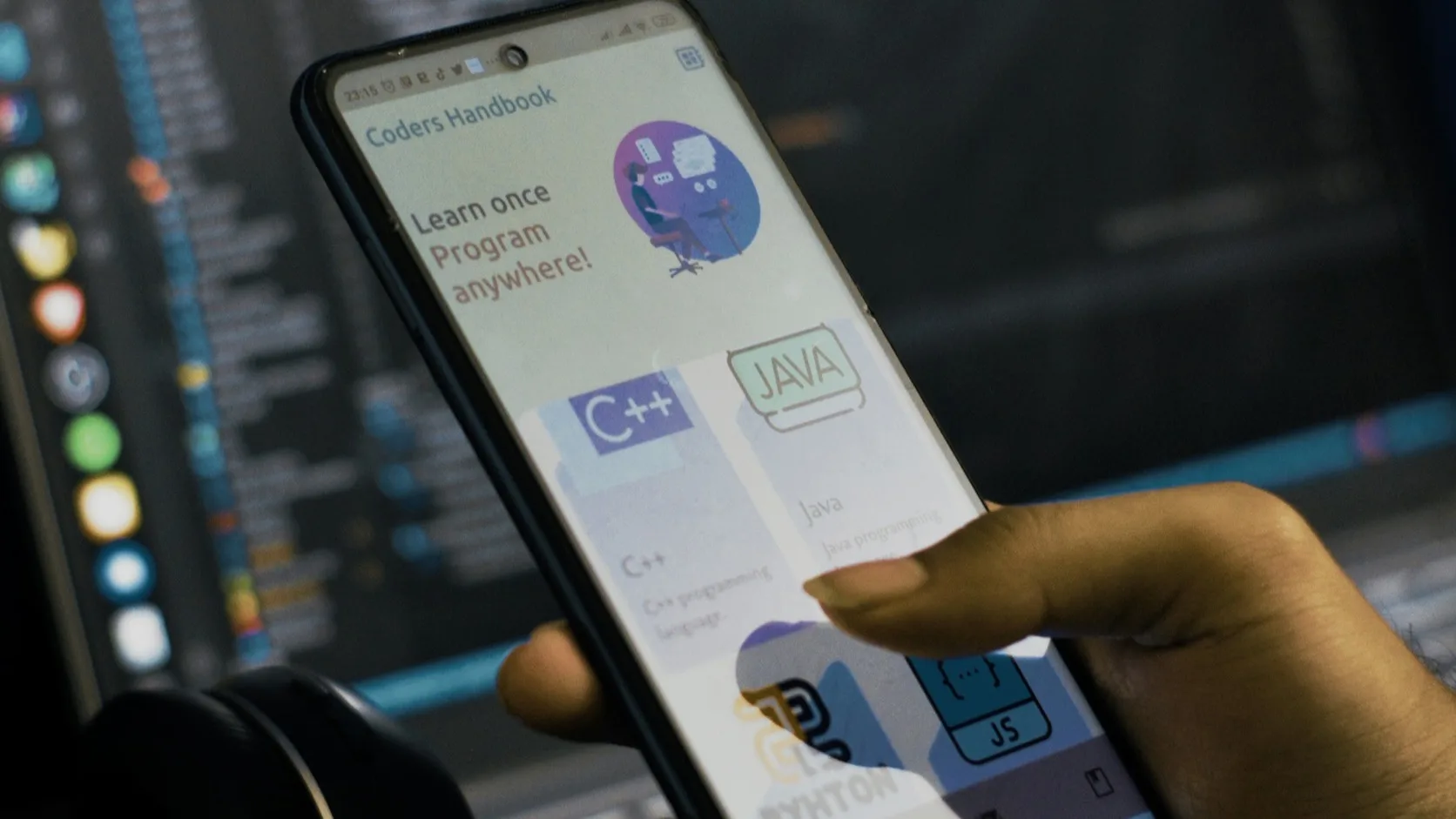
This guide focuses on Apple's App Store keyword field and related metadata. Google Play works differently because it does not provide the same separate keyword field. If you are preparing the full store page, start with the broader ASO checklist for a new app launch. This article zooms in on one hard question: which words deserve space in the App Store metadata before your first launch?
The short answer is that the best keywords come from validated customer language. If nobody has described the problem, searched for it, complained about it, or used a workaround, your keyword list will be guesswork. Use customer discovery, Google Trends, competitor reviews, communities, and landing page tests before you treat a keyword set as ready.
To write App Store keywords for a new app idea, define the target user and core use case, collect real search language from interviews, competitors, reviews, communities, App Store search, and web search, score each keyword by relevance, intent, competition, and specificity, place the strongest visible phrase in the app name or subtitle when natural, then use the 100-character keyword field for additional relevant terms separated by commas with no spaces.
How App Store Keywords Work
On Apple's App Store, keyword relevance comes from several pieces of metadata, including the app name, subtitle, keyword field, category, and broader product page context. The keyword field is hidden from users, but it helps determine where the app may appear in search.
Apple's product page guidance states that keywords should be based on words your audience would use to find an app like yours. It also highlights the tradeoff between popular terms that drive more traffic and less common terms that may be easier to rank for.
As of May 24, 2026, the key Apple metadata limits to plan around are:
- App name: up to 30 characters.
- Subtitle: up to 30 characters.
- Keyword field: 100 characters total.
- Keyword formatting: separate terms with commas and no spaces after commas.
- Promotional text: useful for messages, but Apple notes it does not affect search ranking.
Official references: Apple product page guidance, App information reference, and App Review Guidelines.
Start With the App Idea, Not the Keyword Tool
A keyword list is only useful when the app idea is clear. Before writing keywords, answer these questions:
- Who is the exact launch user?
- What problem are they trying to solve?
- What words do they use before they know your app exists?
- What category do they think the solution belongs to?
- What competitor, template, service, or workaround do they use now?
- What outcome would make them install today?
If you cannot answer those clearly, use how to clarify a business idea or how to know if your idea solves a real problem before working on App Store metadata.
Build a Keyword Longlist
Start with a longlist before compressing the final keyword field. The longlist should include customer language, category language, and conversion language.
| Keyword source | What to collect | Why it matters |
|---|---|---|
| Customer interviews | Problem words, current workaround words, outcome words. | Shows how real users describe the job. |
| App Store search | Autocomplete terms, category phrasing, visible competitor positioning. | Reveals store-native search language. |
| Competitor reviews | Missing features, complaints, desired outcomes, user segments. | Finds words tied to unmet demand. |
| Google Trends and web search | Problem, category, comparison, and seasonal terms. | Adds broader search demand context. |
| Communities | Questions, repeated pain phrases, shortcuts, informal alternatives. | Captures language users may not type into formal tools. |
For community sources, use how to find pain points in online communities. For review sources, use how to find market gaps using competitor reviews.
Sort Keywords by Search Intent
Not all keywords have the same job. Some help users find the category. Some reveal strong intent. Some are better for screenshots or descriptions than the hidden keyword field.
| Intent type | Example | Best metadata use |
|---|---|---|
| Category | business idea, meal planner, habit tracker | App name or subtitle if natural; keyword field if relevant. |
| Problem | validate idea, track expenses, plan meals | Subtitle, screenshots, description, keyword field. |
| Audience | founder, freelancer, student, runner | Screenshots and keyword field when specific. |
| Outcome | score, forecast, budget, focus, learn | Screenshots, subtitle, keyword field. |
| Feature | checklist, timer, scanner, journal, AI | Keyword field if the feature drives search demand. |
A common mistake is filling the keyword field with broad category words because they feel important. A new app often has a better chance with specific problem and audience terms that match the first launch segment.
Score Each Keyword Before Using It
Use a simple scoring table to choose what deserves the limited 100 characters. Do this before writing the final comma-separated string.
| Factor | Weak | Strong |
|---|---|---|
| Relevance | Related to the market but not the app's actual job. | Directly describes the user, problem, feature, or outcome. |
| Intent | Curiosity or broad browsing. | Install-ready, problem-aware, or category-aware search. |
| Specificity | Huge generic term such as "productivity." | Narrow term such as "startup idea" or "client invoice." |
| Competition | Dominated by old, trusted, high-review apps. | Enough demand, but not impossible for a new app to enter. |
| Evidence | Founder guess. | Appears in interviews, search, reviews, communities, or landing page tests. |
A keyword does not need to win every category. But if it is not relevant, remove it. Irrelevant keywords may get low-quality impressions, weak conversion, or review risk.
Turn App Positioning Into Launch Metadata
IdeaX helps founders evaluate demand, audience, competitor gaps, monetization, risks, MVP scope, and launch assumptions before writing App Store copy.
Use the App Name and Subtitle Strategically
The keyword field is limited, but the app name and subtitle also matter. Do not waste them on vague slogans. If a high-intent phrase fits naturally, place it where users can see it.
Example for an idea validation app
App name: IdeaX
Subtitle concept: Validate Startup Ideas
Visible promise: Analyze market demand, competitors, monetization, risks, and MVP scope before building.
Keyword field role: Add relevant supporting terms that do not fit naturally in the name or subtitle.
Do not force a keyword into the app name if it makes the brand ugly, confusing, or misleading. The app name must still be distinctive and review-safe.
Write the 100-Character Keyword Field
Once the strongest visible text is chosen, compress the remaining relevant terms into the keyword field.
Apple's guidance recommends:
- Use commas to separate terms.
- Do not add spaces after commas.
- Use spaces only inside keyword phrases when needed.
- Avoid duplicate words.
- Avoid plural versions when the singular word is already included.
- Avoid category names or the word "app" when they waste space.
- Avoid special characters unless they are part of your brand identity.
Example keyword field for a founder idea validation app:
This is only an example, not a universal best keyword string. Your final set should reflect your app's actual product, market, localization, and launch audience.
Avoid Repetition Across Metadata
Every character has opportunity cost. If the app name or subtitle already contains a word, consider whether it needs to appear again in the hidden keyword field. In many cases, the keyword field is better used for complementary words.
| Visible metadata | Keyword field should add | Avoid |
|---|---|---|
| Validate Startup Ideas | mvp,market research,founder,risk,scorecard | Repeating validate,startup,ideas without reason. |
| Meal Planner | recipes,grocery,weekly menu,nutrition | meal,planner,app,food repeated everywhere. |
| Invoice Tracker | freelance,payment,client,billing,receipt | invoice,invoices,tracker,tracking duplicates. |
The goal is coverage, not repetition. Use the keyword field to help Apple connect the app to more relevant searches without making the metadata noisy.
What Not to Put in App Store Keywords
App Review Guidelines warn against keyword abuse. Do not try to game the system with words that do not describe your app.
- Do not use competitor app names.
- Do not use trademarked terms you are not authorized to use.
- Do not use celebrity names, protected words, or misleading brand references.
- Do not add irrelevant popular terms just because they have traffic.
- Do not use pricing terms such as "free" if they create misleading expectations.
- Do not include offensive, objectionable, or unrelated words.
- Do not claim features, outcomes, or categories the app does not actually provide.
A rejected or modified keyword set costs more than a missed keyword. For a new app, clean relevance is better than aggressive reach.
Keyword Examples for Different App Ideas
These examples show how keyword thinking changes by app type.
| App idea | Better keyword direction | Weak direction |
|---|---|---|
| Founder idea analysis app | startup idea,mvp,market research,scorecard,founder | business,success,AI,smart,tool |
| Freelancer invoice app | freelance,invoice,billing,client,payment,receipt | money,work,office,finance,app |
| Meal planning app | meal plan,grocery,recipes,weekly menu,nutrition | food,health,lifestyle,diet,planner repeated. |
| Study planner app | study,homework,exam,flashcards,schedule,student | school,learn,smart,focus,best |
The stronger direction is not always the highest-volume direction. It is closer to the user's actual search, which usually improves both discovery quality and install conversion.
Use Custom Product Pages for Keyword Intent
Apple custom product pages can highlight specific audiences, features, or campaigns. Apple's custom product page guidance says you can assign keywords to custom product pages and that the keywords should match the intent of the page.
That matters because one app can serve several use cases:
- A founder app might have one page for app idea validation and another for business plan analysis.
- A fitness app might have one page for beginner workouts and another for marathon training.
- A language app might have one page for travel phrases and another for exam prep.
Do not send every keyword to the same generic page if the user's intent is specific. Match the keyword, screenshot story, app preview, and first in-app experience.
Localize Keywords Separately
Localization is not translation. A word-for-word translation can miss how users actually search in a market. For each localization:
- Research local App Store competitors.
- Check local customer language and search terms.
- Rewrite the app subtitle and keyword field for the market.
- Do not assume English keyword logic maps to every language.
- Measure impressions, page views, conversion, and retention by territory.
If you cannot support users in a market, do not localize only to chase impressions. Better localization should improve qualified installs, not just visibility.
Measure Whether Keywords Are Working
App Store keyword work should connect to launch metrics. A keyword is useful only if it brings the right users and those users take action after install.
- Impressions: are more people seeing the app?
- Product page views: are impressions turning into interest?
- Install conversion: does the store page persuade users?
- Activation: do keyword-acquired users reach the first value moment?
- Retention: do they return after the first session?
- Revenue or trial start: do they connect to the business model?
This connects directly to app idea validation metrics, CAC before launching an app, and getting your first 100 users. More impressions are not useful if the users are wrong.
Common App Store Keyword Mistakes
- Using only broad keywords: new apps rarely win on huge generic terms first.
- Repeating the same words: duplicate words waste the 100-character field.
- Ignoring the subtitle: a strong visible phrase can improve clarity and conversion.
- Using competitor names: this creates review and policy risk.
- Adding irrelevant high-volume terms: traffic without relevance lowers conversion quality.
- Writing keywords before positioning: unclear apps produce unclear metadata.
- Skipping localization: local markets may use different category language.
- Judging too fast: early launch spikes can distort keyword conclusions.
The fix is discipline: write a keyword hypothesis, launch with the best evidence you have, measure, and revise after enough data.
App Store Keyword Checklist
- Have you defined one launch user segment?
- Have you collected language from interviews, reviews, search, and communities?
- Have you separated category, problem, audience, outcome, and feature keywords?
- Have you scored each keyword by relevance, intent, specificity, competition, and evidence?
- Have you placed the strongest visible phrase in the app name or subtitle if natural?
- Have you used the 100-character keyword field for complementary terms?
- Have you removed duplicate words, unnecessary plurals, category names, and the word "app"?
- Have you avoided competitor names, trademarks, irrelevant terms, and misleading claims?
- Have you created localized keyword sets for each serious market?
- Have you connected keyword performance to installs, activation, retention, and revenue?
App Store keywords are not magic. They are one part of launch positioning. When the product, audience, screenshots, and onboarding are aligned, good keywords help the right users find the app. When the idea is unclear, keywords only expose the confusion faster.
Frequently Asked Questions
How many characters can App Store keywords use?
Apple's keyword field is limited to 100 characters total. Use commas between terms and avoid spaces after commas. Because the field is short, remove duplicate words, unnecessary plurals, category names, and irrelevant terms.
Should I use competitor names in App Store keywords?
No. Apple's guidance warns against using competing app names, unauthorized trademarked terms, celebrity names, protected words, and irrelevant phrases. Use category and problem language instead.
Should App Store keywords be broad or specific?
For a new app, specific keywords are usually better for the first launch because they match user intent and face less competition. Broad terms can be useful later if the app has stronger conversion, reviews, and ranking history.
Do App Store promotional text keywords help ranking?
Apple says promotional text does not affect search ranking. Use promotional text for current news, offers, or timely messages, not as a place to stuff keywords.