
Go-to-Market Plan for a New App Idea

IdeaX: Business Idea Analysis
Map target users, acquisition channels, launch timeline, risks, and MVP priorities before you build.
A go-to-market plan for a new app idea explains how the right users will discover, understand, try, and keep using the app. It is not just a launch announcement. It is the operating plan for getting your first users, learning from them, and turning early attention into retention.

Many app founders treat go-to-market as something that happens after development. They build the app, publish it to the App Store or Google Play, post once on social media, and wait. That is not a GTM plan. That is hoping the market notices.
For a new app idea, your GTM plan should start before the final build. The target audience, positioning, acquisition channel, screenshots, onboarding, pricing, and first activation event all shape what the app needs to become. If you are choosing the customer type, compare B2B and B2C app ideas. If monetization is still open, compare freemium vs paid app models and subscription app pricing strategy. If you are still pre-launch, begin with a waitlist for the app idea and a plan to get your first 100 users.
If the launch timeline is blocked by implementation choices, compare build vs buy vs no-code for the MVP before committing to a full custom app.
When the MVP scope is ready, write a product requirements document for the app idea so launch positioning, onboarding, analytics, and feature scope point at the same first value moment.
A strong app GTM plan defines one target user segment, one painful use case, one primary acquisition channel, one clear app store promise, one beta launch process, and one retention metric that proves users get value after download.
What Is a Go-to-Market Plan for an App?
A go-to-market plan is the route from app idea to active users. For mobile apps, it needs to cover both discovery and behavior after install. Getting downloads is only the first step. A launch is weak if users install the app once, open it for 30 seconds, and never return.
A useful app GTM plan answers:
- Who is the first user segment?
- What specific problem does the app solve for them?
- Where do those users already spend attention?
- What message will make them care enough to install?
- What first action proves the app delivered value?
- Which channel will you test first?
- What metrics decide whether to continue, change, or stop?
If the problem or audience is still unclear, use how to know if your business idea solves a real problem before planning launch.
Step 1: Define the First User Segment
Do not launch an app for "everyone who wants to be more productive" or "people who like self-improvement." Those groups are too broad to reach, message, or convert.
Define the first user segment narrowly:
The narrower segment makes every GTM decision easier: keywords, screenshots, landing page copy, content topics, communities, and paid targeting. For more audience work, read how to find the right target audience.
Step 2: Write the App Positioning Statement
Your positioning statement should make the app easy to understand in one sentence. Avoid cleverness at this stage. Users need to recognize the use case quickly.
Positioning template
For [specific user], [app name] helps [main job] by [core mechanism], so they can [desired outcome].
Example: "For first-time founders, IdeaX helps analyze a raw business idea across market, competitor, risk, revenue, and MVP assumptions, so they can decide what to build next with more clarity."
A strong statement becomes the base for your app store subtitle, landing page headline, ad copy, and onboarding screen.
Step 3: Choose One Primary Acquisition Channel
Most new apps cannot win by launching everywhere at once. Pick one primary acquisition channel for the first 30-60 days, then use other channels as support.
| Channel | Best for | First test |
|---|---|---|
| App Store Optimization | Apps with clear search intent. | Test title, subtitle, keywords, screenshots, and review flow. |
| SEO content | Problems people research before installing. | Publish 5-10 articles around pain and solution queries. |
| Short-form video | Visual, habit, lifestyle, dating, fitness, food, or creator apps. | Post 20 problem/solution clips and track install intent. |
| Communities | Niche professional, founder, productivity, or hobby apps. | Join discussions, validate pain, invite 20 beta users. |
| Paid ads | Apps with known conversion and monetization. | Small budget test after onboarding and paywall are clear. |
If you are unsure which channel fits, use market demand analysis and competitor research before choosing.
Step 4: Plan the App Store Page Before Launch
Your app store page is not just a listing. It is a conversion page. The user arrives with limited attention and decides whether the app is worth installing.
- Title: clear enough to signal the app category or job.
- Subtitle: explains the outcome, not just the feature.
- Screenshots: show the actual core workflow and benefit.
- Preview text: matches the user's search or problem language.
- Reviews: collected ethically from real early users after value is delivered.
- Keywords: based on the actual phrases your audience searches.
Avoid vague screenshot text like "simple and powerful." Use concrete outcomes: "Score your startup idea in minutes," "Find weak assumptions before you build," or "Compare business ideas side by side."
For a more detailed store-page workflow, use this ASO checklist for a new app launch before submitting your App Store or Google Play listing.
If App Store search is a primary launch channel, write the metadata with App Store keywords for a new app idea so the title, subtitle, and keyword field match the launch segment.
Shape the Launch Plan
IdeaX helps map launch timeline, acquisition channels, AARRR metrics, viral loops, risks, and MVP priorities.
Step 5: Build a Beta Before the Public Launch
A beta launch lets you test the app with a small group before a broader push. The goal is not to hide forever. The goal is to fix the onboarding, activation, and retention problems that would waste launch traffic.
If the beta users do not reach the core value, do not scale acquisition yet. Fix activation first.
Step 6: Define Your Launch Metrics
App launches can produce misleading vanity metrics. Downloads feel good, but they do not prove the app is working. Track the full funnel.
| Metric | Question it answers | Example |
|---|---|---|
| Acquisition | Can we reach the right users? | Landing page visits, app store page views, installs. |
| Activation | Do users experience value quickly? | First analysis completed, first habit logged, first result saved. |
| Retention | Do users come back? | Day 1, Day 7, and Day 30 return behavior. |
| Revenue | Will monetization work? | Trial starts, paid conversion, ARPU, refund rate. |
| Referral | Do users share it? | Invites, shares, forwarded results, referral installs. |
This is the AARRR framework: acquisition, activation, retention, revenue, and referral. For most new apps, activation and retention are more important than raw download count.
Before you scale paid or organic acquisition, estimate CAC before launching the app so the channel plan connects to your pricing and retention assumptions.
If the product work still needs structure, use an MVP roadmap template for the new app before creating the broader launch timeline.
Step 7: Create a 60-Day Launch Timeline
A simple launch timeline keeps the team focused and prevents endless pre-launch polish.
| Timing | Focus | Output |
|---|---|---|
| Days 1-10 | Positioning and audience | ICP, app promise, first channel, landing page. |
| Days 11-30 | Beta | 20-50 beta users, activation fixes, early proof. |
| Days 31-45 | Store and content | ASO page, screenshots, 5-10 content assets, launch list. |
| Days 46-60 | Public launch | Launch post, channel test, metric review, next iteration. |
Common GTM Mistakes for New App Ideas
- Launching too broadly: a narrow first audience usually converts better than a generic app category.
- Optimizing for downloads only: installs mean little if activation and retention are weak.
- Skipping beta users: public launch traffic is wasted if onboarding is confusing.
- Using vague screenshots: app store visuals should show the real job the app performs.
- Testing paid ads too early: paid acquisition is risky before the value promise and paywall are validated.
- Copying competitor positioning: your app needs a specific wedge, not a softer version of an incumbent.
App GTM Checklist
- One specific target user segment is defined.
- The app promise is clear in one sentence.
- The first acquisition channel is chosen.
- The app store title, subtitle, screenshots, and keywords match the use case.
- A beta group is recruited before public launch.
- The activation event is measurable.
- Retention is tracked after install.
- Revenue or trial conversion is tested before scaling paid traffic.
- The next iteration is based on user behavior, not launch excitement.
Before scaling a launch, stress-test the assumptions behind the app using how to stress-test a business idea before launch. If monetization is unclear, model the numbers with how to estimate revenue for a new business idea and unit economics for app ideas.
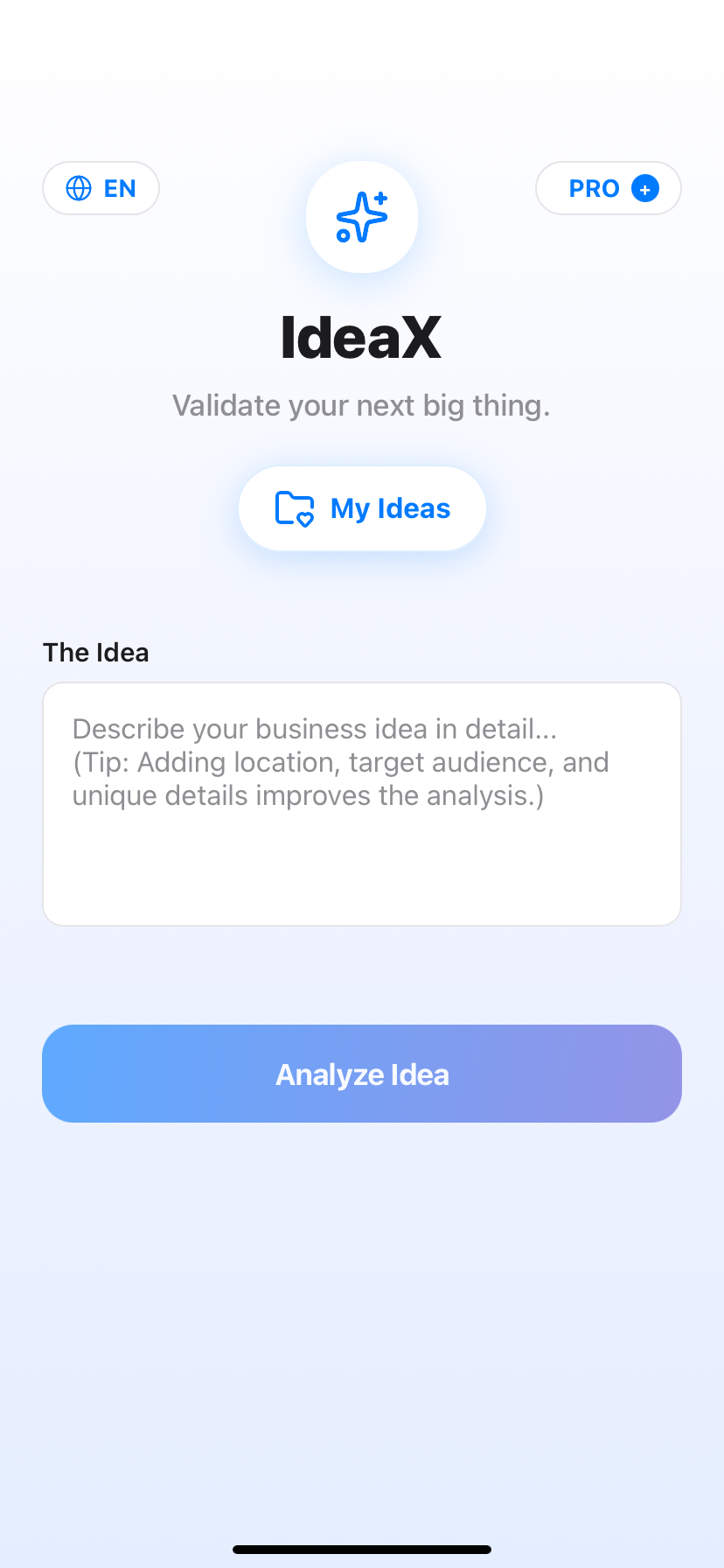
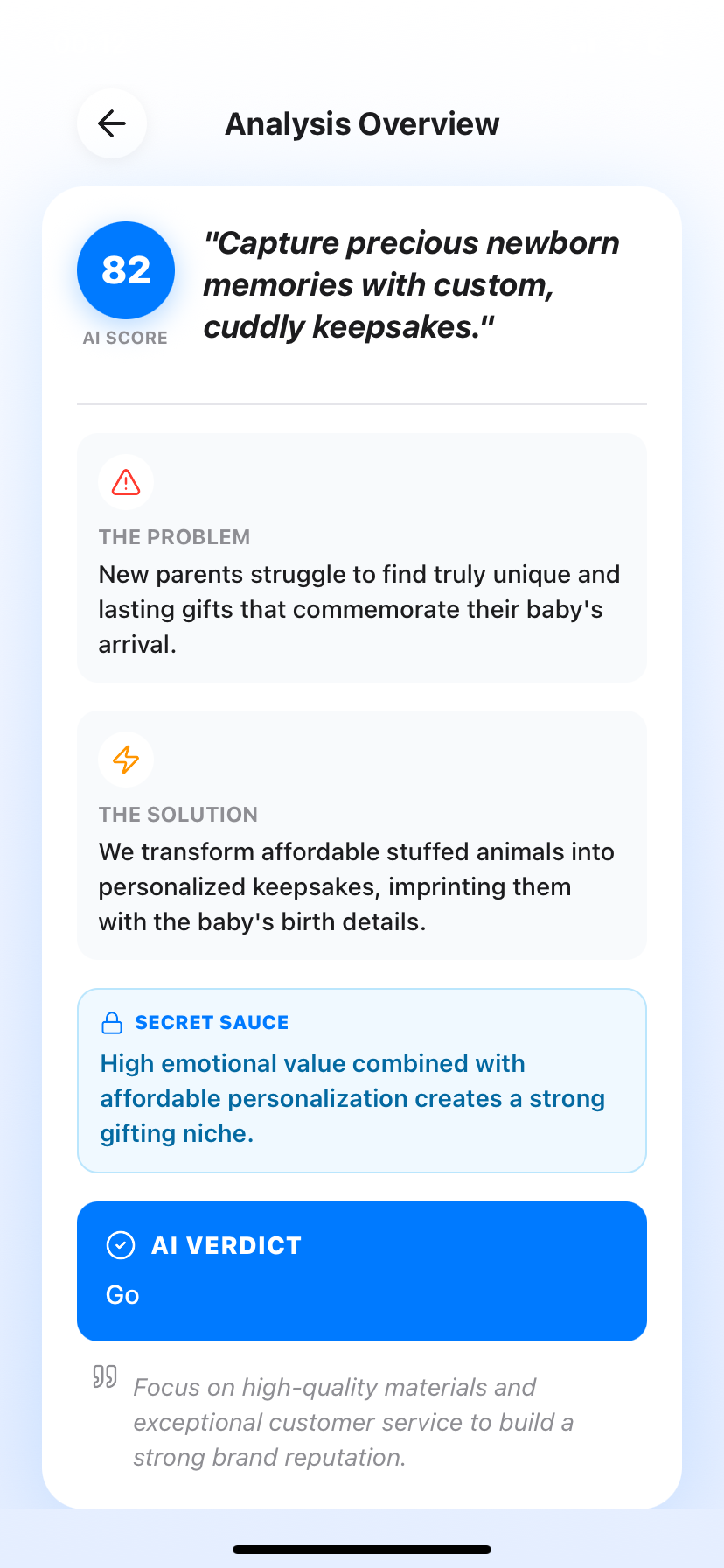
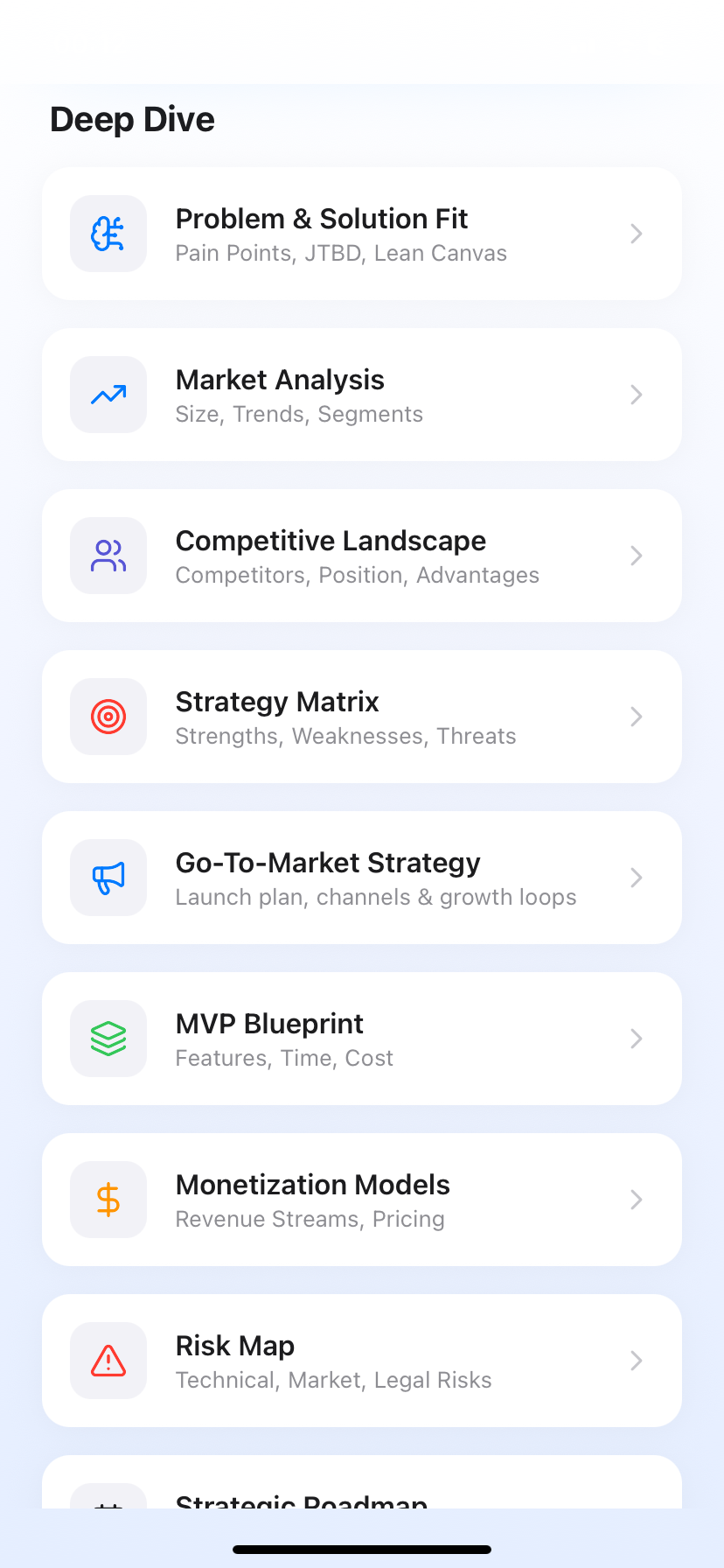
IdeaX: Business Idea Analysis
A structured way to evaluate what to build next.
Plan the app launch before you build too much.
IdeaX helps founders analyze target audience, acquisition channels, AARRR metrics, launch timeline, viral loops, monetization, risks, and MVP priorities before launch.
Frequently Asked Questions
What is a go-to-market plan for an app?
It is a practical launch plan that defines who the app is for, how those users will find it, what message will make them install, what first action proves value, and which metrics decide whether the launch is working.
When should I create a GTM plan for a new app idea?
Create it before the final build. The target user, acquisition channel, activation event, and app store positioning can change what features belong in the MVP.
What is the best launch channel for a new app?
There is no universal best channel. Choose the channel where your specific target users already search, gather, watch, or ask for help. For some apps that is ASO; for others it is content, communities, short-form video, or partnerships.
Are downloads enough to measure app launch success?
No. Downloads are only an acquisition metric. A stronger launch measures activation, retention, revenue, and referral behavior after install.